
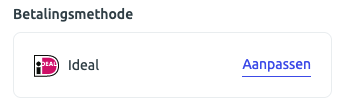
To change your bank account number, go to your account settings and navigate to 'your subscription' > 'payment method'. Then click 'edit'.
Follow the steps to change your bank account number!
Please note: your bank account number is being updated in the background. Your Boloo account will still show the old payment method until the next payment.