
Before sending an email to your customers, you naturally want to know exactly what it will look like. At Boloo we have a feature for this, allowing you to quickly and easily preview the email that will be sent to your customers.
It's very simple if you follow these steps:
- Once logged in, click on 'Email campaigns' in the left menu
- Click on new campaign, or click the three dots and then edit if you already have a campaign
- Go to the third step called '(3) Triggers'
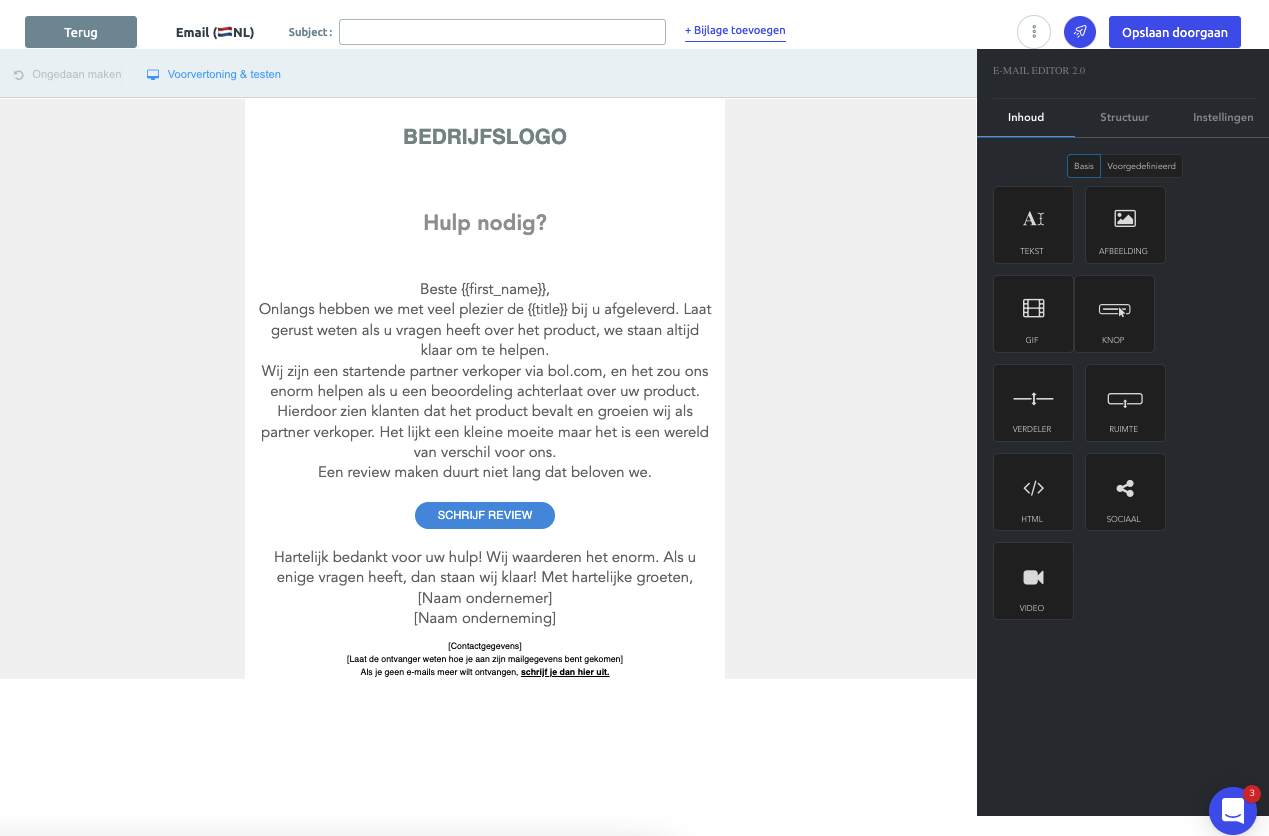
- Then click on the preview of your email (the small image)
- On this screen, click the blue airplane icon in the top right
- Enter your email address and wait for the email!
One important note about the test email: in the test email, you will see that we use a different product. When customers order from you, they will see your actual product.