How does the Boloo Dashboard work?
The Boloo Dashboard gives you a complete overview of your sales figures, product information, and all costs that bol.com passes on. This includes corrections, return labels, and LVB costs. This data is processed accurately so you have a clear financial overview. You will also find important information from other features, such as the Ranking Checker and Email Campaigns.
Boloo processes your bol.com costs (invoice specifications) retroactively, including all previous bol invoices. Want to know which invoices have already been synchronized? Click on the link 'Which invoices are synchronized?' in the Dashboard. Product costs you have entered yourself on the product information tab are also automatically included.
With all this data, you get a reliable picture of your actual profit over a given period.
Download Transactions
Want to see exactly what the data is made up of? Click the 'Export transactions' button in the top right corner of the Dashboard. This downloads an overview of all transactions.
Read more here: Export Transactions
In the 'Costs by category' section, you can see which costs are included in the calculation of your profit. Some costs come directly from bol.com, such as commissions and shipping labels. Other costs, such as product costs, come from Boloo.
Read more here: Costs by category
How do we process your costs?
As soon as a bol.com invoice is available, we automatically retrieve it. We use all line items on the invoice to calculate your costs, revenue, and profit. We do this excluding VAT and including all costs passed on by bol.com, such as commissions, shipping labels, and any corrections.
In addition to bol.com data, we also process costs you have entered yourself, such as purchase costs, packaging costs, and transportation costs. This gives you complete insight into your financial results.
What happens with a return?
For returns, we only include the costs of the shipping label and the settlement of commission and revenue in the Dashboard. Costs you have entered yourself in the product information tab, such as purchase costs, are not reversed on a return. This is because we cannot determine which additional costs were or were not incurred during the return process.
Explanation of each dashboard section:
KPIs
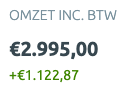
Read more about Dashboard KPIs
Store performance
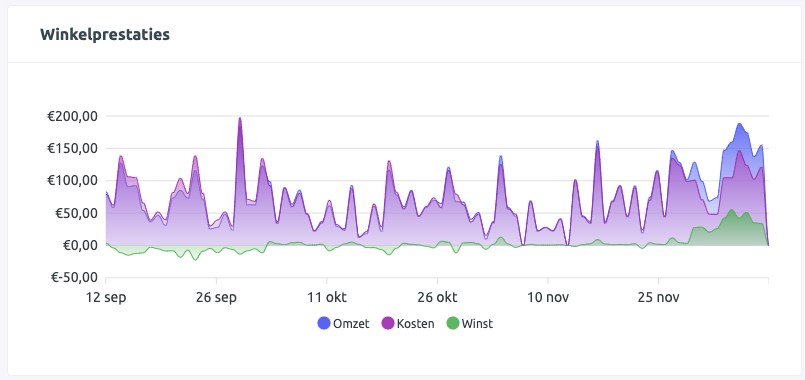
Read more about Store Performance
Products sold in this period
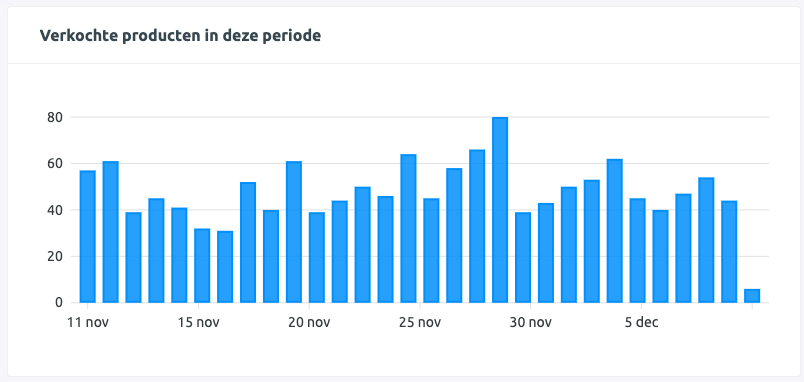
Performance per product

Read more about Performance per Product
Netherlands vs Belgium
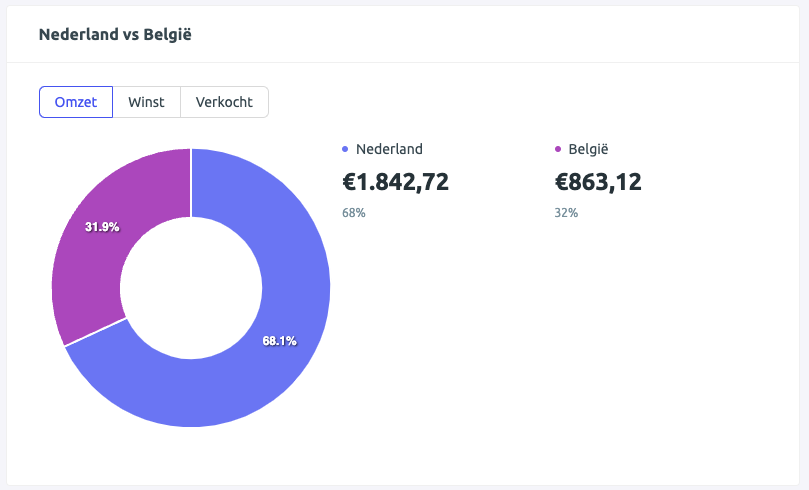
Read more about Netherlands vs Belgium
Costs by category
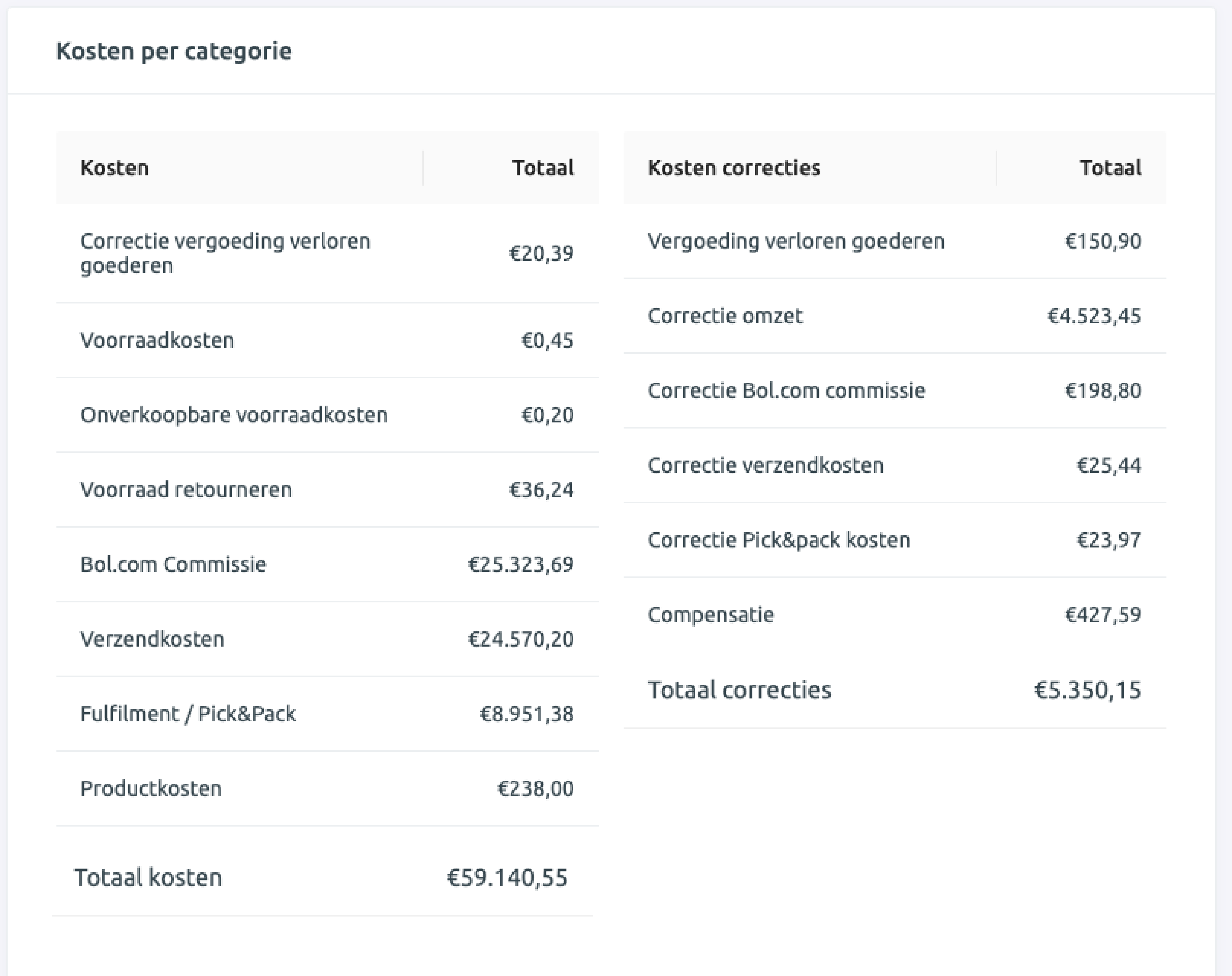
Read more about Costs by Category
Campaign statistics
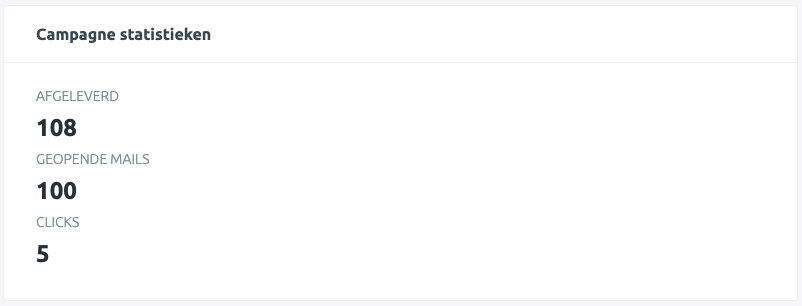
Read more about Campaign Statistics
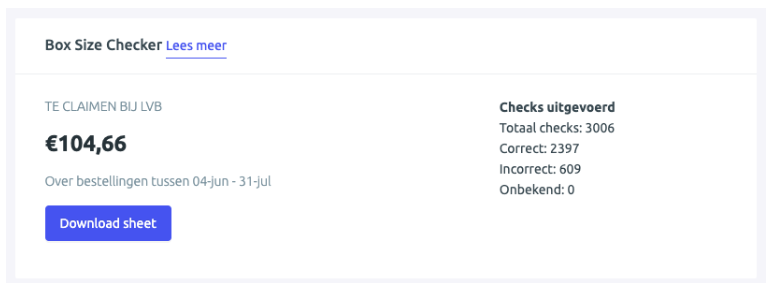
Box Size Checker