
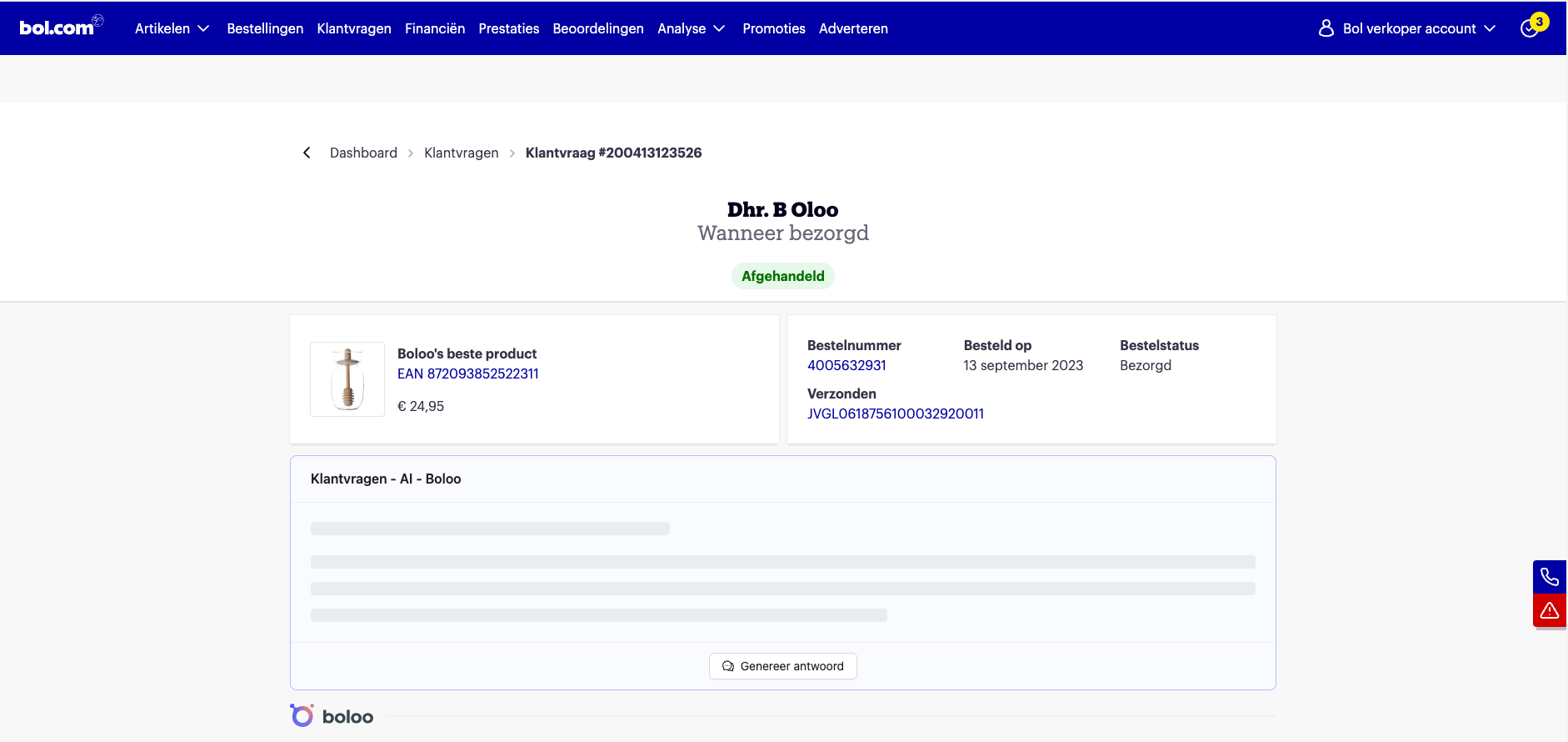
What can I do with the Customer Questions AI feature?
With the 'Customer Questions AI' feature from Boloo, you can respond to customer questions within your bol.com seller account quickly and effectively. Navigate to your open customer questions in the bol.com dashboard, and the Customer Questions AI automatically generates a suggested reply based on the available context, such as the product, previous conversations, and more.
You can easily review, edit, and send the suggested reply directly to the customer. This saves you time while simultaneously improving the quality of your customer service.
How does it work?
- Make sure you have the latest version of the Boloo Buddy Chrome extension (version 1.6.3 or higher)
- Navigate to your customer questions in the bol.com partner platform
- Open an open customer question
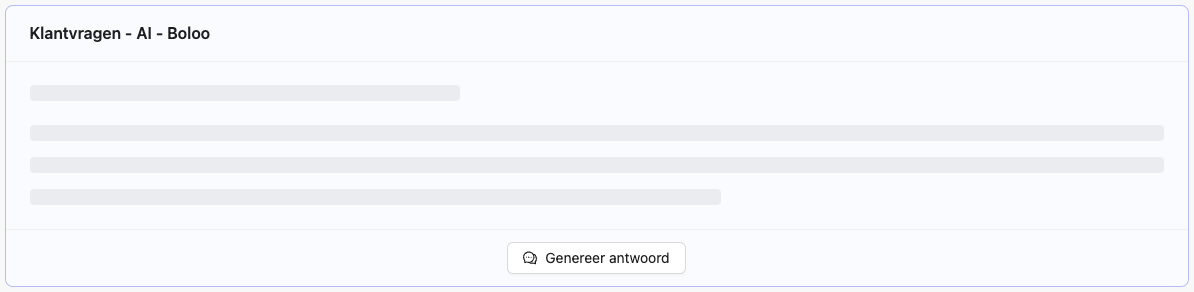
- You will now see an extra section above the last customer message
- Click the 'Generate reply' button to generate a reply
- Copy the text and paste it into the message window
Tips
- The Chrome extension only works in the Chrome browser on a desktop
- Double-check replies: Although Customer Questions AI is smart and accurate, it's always good to read through the generated replies before sending
- Use context: The AI takes previous conversations and product information into account. Make sure this information is up to date in your bol.com dashboard
How does it work behind the scenes?
When you click 'Generate reply', Boloo AI first collects all data related to the order. This includes the customer's name, track & trace code, and order date.
Customer Questions AI is also context-aware, meaning that all previous conversations in the customer question are analysed to generate the best possible reply.
What can Customer Questions AI (not yet) do?
- Add per-product manuals or FAQs
- Automatically answer customer questions
- Customise how Boloo AI responds to a customer question
- Hide the widget without removing the extension